If you are your school's ReadingDoctor® administrator, you can send teacher login details to your teachers automatically from the ReadingDoctor® Dashboard.
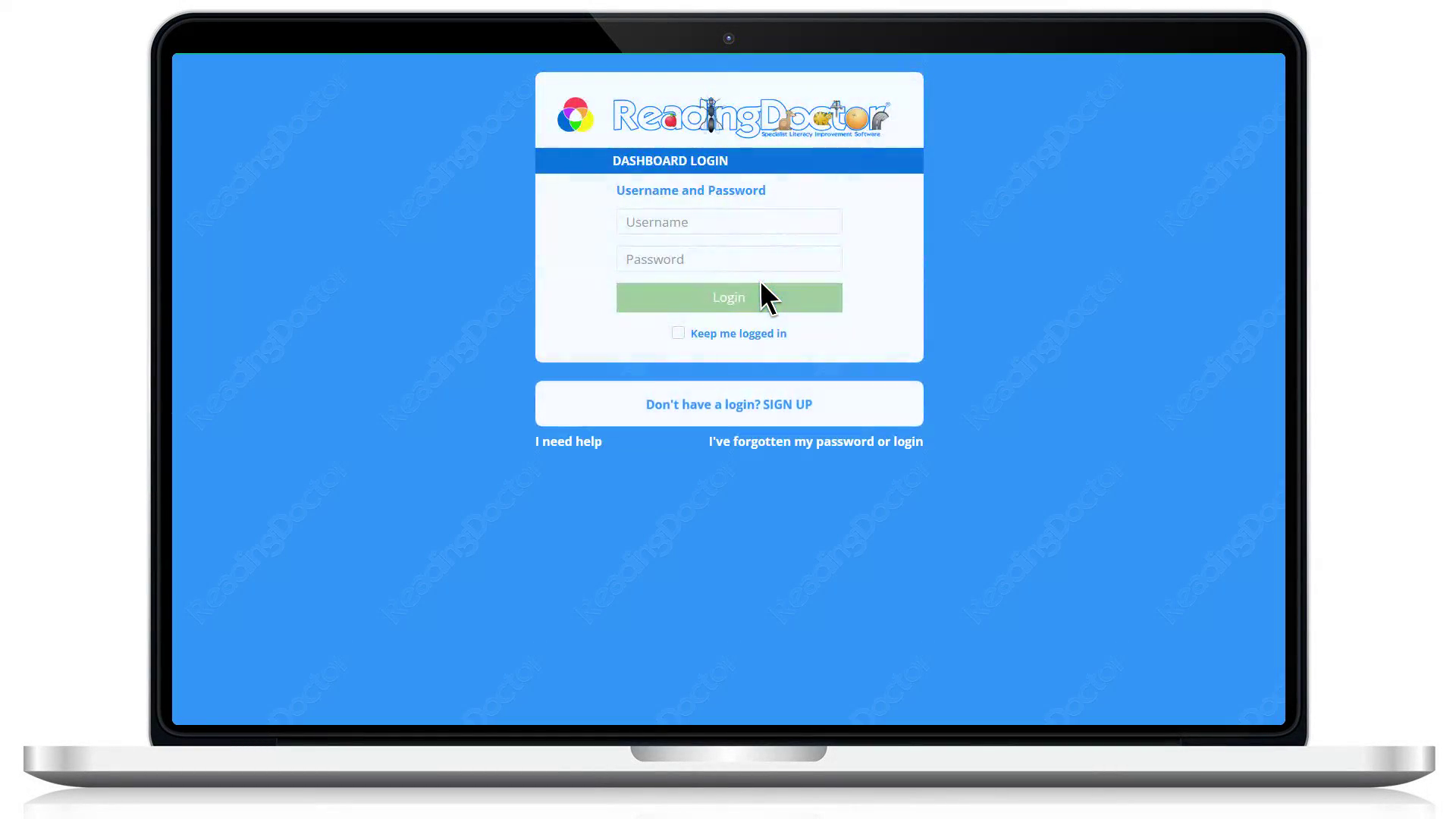
- Log in to the Dashboard: https://dashboard.readingdoctor.com
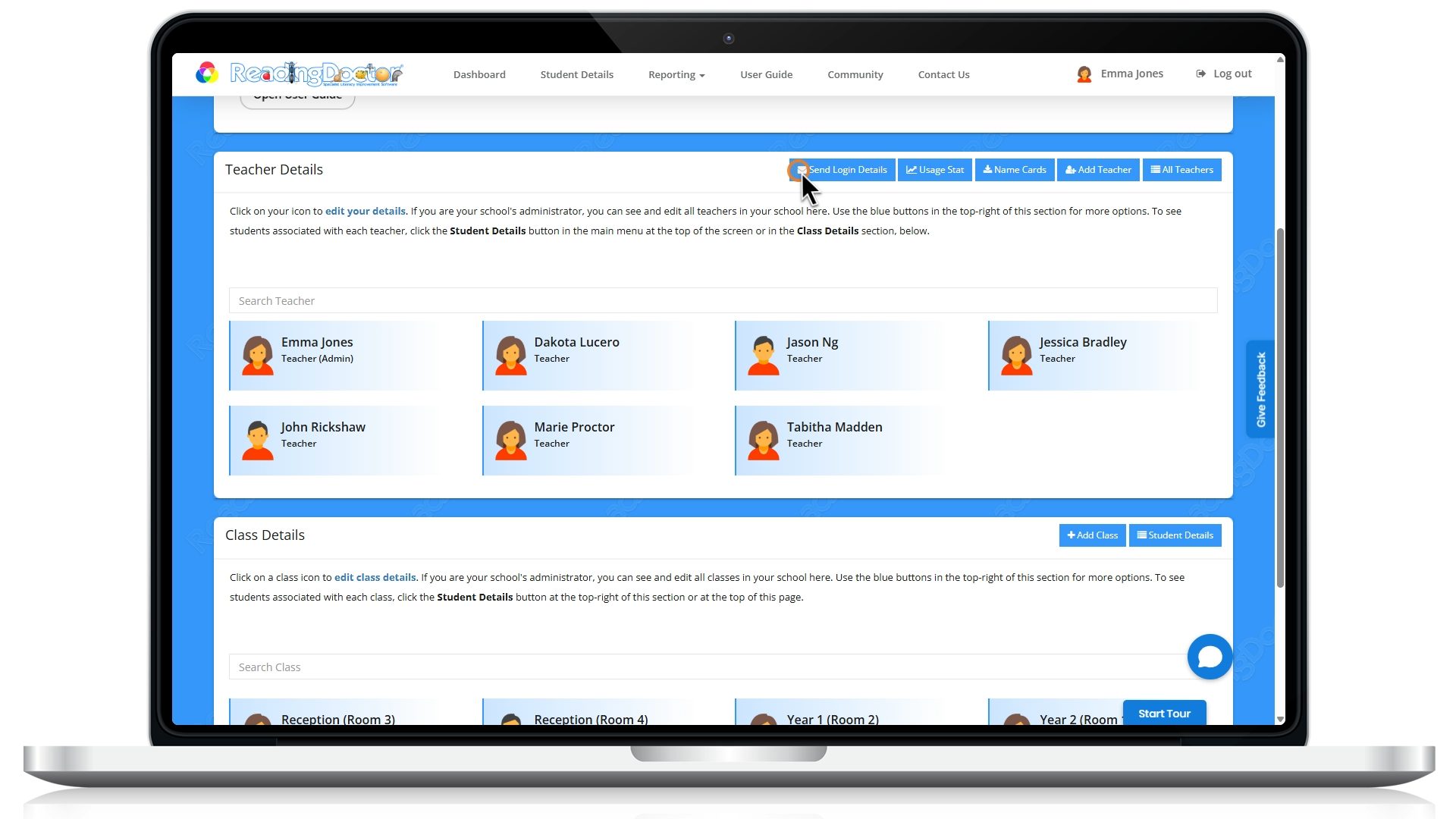
- Go to the Teacher Details section and click Send Login Details:
- Ask teachers to check inbox and spam/junk folders if they do not see the email straight away.
If you do not see Send Login Details, your account may not have the required permissions. In that case, please ask your ReadingDoctor® Administrator to perform the steps above.
Was this article helpful?
That’s Great!
Thank you for your feedback
Sorry! We couldn't be helpful
Thank you for your feedback
Feedback sent
We appreciate your effort and will try to fix the article